Today
Greeting, due tasks, today’s events, a mini timer, habits, and a mood mark.
Discover WorkspaceOS
A Mac-like workspace for tasks, notes, and a timer. No account, no install, no server. Your data stays in the browser you opened it in. Six editions, one download each.
What the file does
Greeting, due tasks, today’s events, a mini timer, habits, and a mood mark.
Type a sentence. It files the date, the time, and !high. Today, upcoming, anytime, done.
Month grid with event and task dots. Add an event on the day you tap.
A list and a page. Search, word count, delete. Nothing leaves the browser.
Ring timer, short and long breaks, a chime, today / week / all-time counts.
Mood, three good things, a free entry, and a habit row for the week.
Dia is that set: paper layout, ⌘K to jump or add, light / dark / auto, export and import in Settings, and it reads a 3.x backup. The glass files add dock, floating windows, mail, widgets, and a pile of small apps. Heavier is more chrome, not a different product.
For all features and apps, visit workspaceos.mystrikingly.com/2.
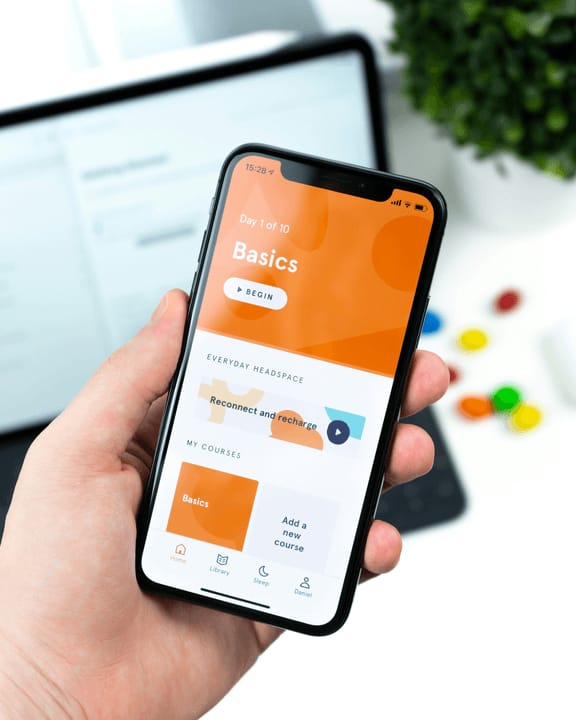
Today, tasks, calendar, notes, a browser, a focus ring, and a journal. Type a sentence and it files the date, the time, and !high.
About
WorkspaceOS is a personal operating desk made to open from a download. The storage key in Dia is Zion’s. There is no team page, no cloud, and nothing on this site phones home. If you switch browsers, export first — the file does not hold your tasks.
Updates
These files were not stamped with release dates. The lineup is the version each file names.
Contact
Messages come to the owner of this page. No account needed to send one.
Start here
Quiet paper layout, orange mark, serif headlines. Seven screens: Today, Tasks, Calendar, Notes, Browser, Focus, Journal. Type “call dentist friday 3pm !high” and it files the date, the time, and the priority. ⌘K jumps or adds. Light, dark, or auto. A focus chime marks the end of a session. Settings can export and import a JSON backup, and Dia reads a 3.x backup. The window title still reads 4.0; the file you were given is the 5.0 Dia cut, 57 KB.
The lineup
Dia is the daily driver: paper, not glass, and about twenty times smaller than the full desks. The glass builds are the full desk — dock, windows, mail, widgets, and a pile of small apps. Heavier files are the same product with more chrome, not a different one. Pick by size and by whether you want floating windows.
The blue-accent glass desk. Home clock, tasks, calendar, notes, habits, and the Mac-style window layer. Full Pro chrome at 1.2 MB.
Same glass family, titled 4.0, with the desktop, dock, and mission-control layer named in the file. Same 1.2 MB weight as Glass Pro.
The compact AI-oriented cut. A tenth the size of the glass desks — 132 KB — if you want a named Pro file without the full window chrome.
The lighter glass build at 890 KB. Still a full file, not a stub: glass desk, trimmed.
Portrait-friendly cut without the floating window layer. 621 KB. Better if you open it on a phone and do not want overlapping windows.
If you only send one link, send this. It is the file marked best: 57 KB, paper layout, and it reads a 3.x backup.
| Edition | What it’s for | Size |
|---|---|---|
| 5.0 | Daily loop. Paper, not glass. | 57 KB |
| AI Pro | Smallest of the named Pro cuts. | 132 KB |
| No Window | Phone-shaped, no floating windows. | 621 KB |
| Lite | Glass desk, trimmed. | 890 KB |
| 3.0 Pro | Full glass Pro. | 1.2 MB |
| 4.0 Desktop | Full glass, desktop named in the file. | 1.2 MB |